How it works
From a box of products to the first sale in an afternoon.
Bring your products
Paste a spreadsheet with name, price and barcode, or type the first ten and add the rest as you sell. Nothing is locked: you can export it all back to CSV.
- Columns it understands: name, price, cost, barcode, supplier
- Missing barcode? Scan the item once and it is saved
- Duplicates are flagged before they are saved
Coffee beans 250 g, 12.00, 7.40, 7891000100103
Count the shelf once
Walk the shop with a phone and scan each product, typing the number you see. This is the only full count you will ever do. After it, sales and deliveries keep it moving.
- Set a minimum per product while you are there
- Skip a shelf and come back, progress is saved
- An hour is typical for a shop of 300 products
USB-C cable 1 m: 3 (min 3)
AA batteries: 7 (min 4)
Sell as you always did
Scan, take payment, hand over the receipt. Each sale takes one off the count without anyone doing anything extra.
- Cash, card, split or instalments
- Staff logins show who sold what
- Cancel a sale and the count goes back up
Notebook A5 ........ 8.00
Card ..................... 8.00
Notebook A5: 9 → 8
Reorder from the list
When a count reaches its minimum, the product joins the reorder list with the amount that brings it back to full. Group by supplier, send, receive by scanning.
- The amount to buy is shelf size minus current count
- Delivery differences show before the driver leaves
- Edit any amount before sending
USB-C cable 1 m: buy 7
Coffee beans 250 g: buy 4
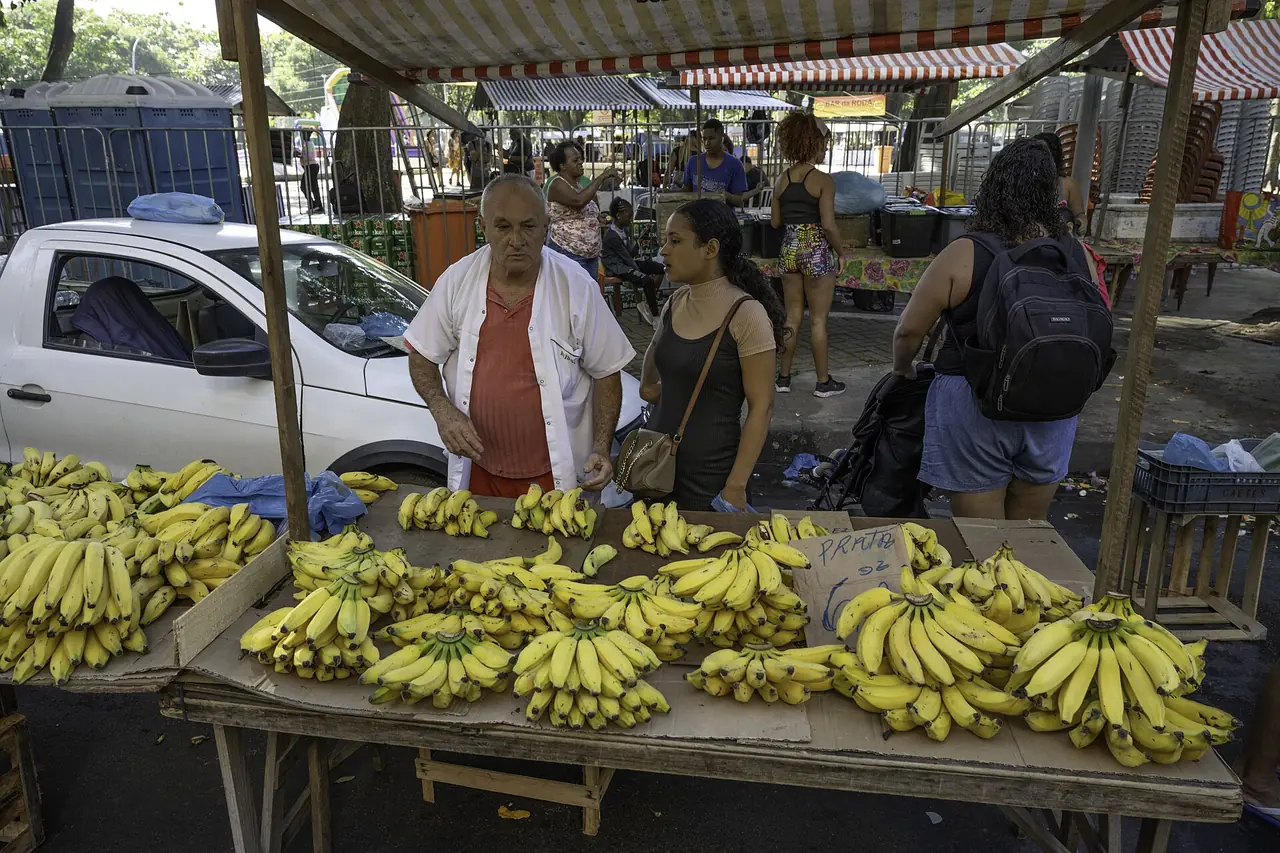
Photo: Wilfredor, CC0, Wikimedia Commons

Day one
What you need on day one
A device with a browser
Phone, tablet or laptop.
Your product list, any shape
A spreadsheet is ideal. A notebook photo works too, you will type from it.
About an hour for the first count
Close the shop for it, or do it after hours.
Start
Ready for the first count?
Thirty days free, no card. Bring last week's sales and see the shelf count catch up.